

4.04.25 – Contract Implementation Update #21.1: “Self-Book” Deadhead – Video and FAQs

Friday, April 4, 2025
Contract Implementation Update #21.1
“Self-Book” Deadhead:
Video and FAQs
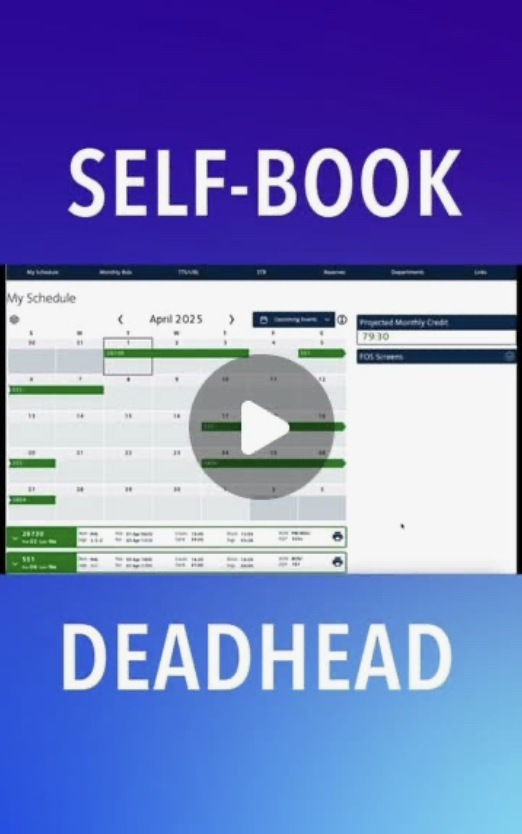
You now have the option to change your scheduled deadhead to an alternate deadhead on the first or last leg of your sequence using the Self-Book deadhead feature in Crew Portal.
Click here to review CIC Update #21: Self-Book Deadhead.
Click the video link below for a tutorial on how to change your scheduled deadhead on the first or last leg of your sequence:
Self- Book Deadhead: FAQs
Q1: How do I begin the self-book process?
Click on ‘DH’ to begin the self-book process (see red circle in the photo below).
click image to enlarge

Q2: I have a deadhead on the first leg of my sequence. When am I able to change to an alternate deadhead?
You may change your deadhead on the first leg of your sequence anytime after the 20th of the previous month at 12 noon (DFW time) up to 2 hours prior to the scheduled deadhead.
For example, if you would like to change your first leg deadhead on a sequence that operates on May 16th, you may choose an alternate deadhead any time after April 20th at 12 noon (DFW time), when bids for the May bid month are final.
Q3: I have a deadhead on the back-end of my sequence (last leg). When am I able to change to an alternate deadhead?
You may change your deadhead on the back-end of your sequence anytime after you sign in for the sequence and up to one (1) hour prior to the departure of the alternate or scheduled deadhead, whichever is sooner.
Q4: Do we still have to call Crew Tracking to let them know we will not be taking our originally scheduled deadhead (“no show”)?
Yes, although upcoming implementation of the new Electronic Communications System (ECS) will introduce a digital option to “no show” for your deadhead, eliminating the need to make a phone call.
A Lineholder must only notify Crew Scheduling of their intent not to take an originally scheduled deadhead.
A Reserve Flight Attendant must obtain Crew Scheduling’s consent to not take the scheduled deadhead, provided that the Flight Attendant is available for their subsequent Reserve assignment.
Q5: If we still have to call to notify or obtain Crew Scheduling’s consent to “no show” our original deadhead, how is this self-book option beneficial?
The new self-book deadhead option allows you to book a seat much sooner than the current practice of calling Crew Scheduling/ Tracking to change to an alternate deadhead, and by self-booking earlier, there is more of a chance that seats will be available on the alternate flight you’d like to book.
Upcoming implementation of the new Electronic Communications System (ECS) will introduce a digital option to “no show” for your deadhead, eliminating the need to make a phone call.
Self-book as early as possible for better seat availability.
Q6: May I self-book an International deadhead?
You are able to self-book an alternate deadhead to the first live leg at an international station. Should you have a back-end deadhead from an international destination, you will be limited to one leg back to the 50 states and Puerto Rico (16.H.4.d).
Q7: I’ve booked my alternate deadhead. How do I import my new deadhead into the travel planner to check-in and be added to the priority list if necessary?
Visit Jetnet >Travel Planner > Trips > Import.
Enter your PNR or flight info and click ‘Import’.
Q8: Where can I find my designated commuter city? How do I add/edit my commuter city?
Click on your name at the top right of the Crew Portal homepage, and your commuter city will display in the drop down menu.
Commuter city changes may be made at: Comply365> My Forms> AAFA> Commuter city change request form.
Q9: If I change my front-end deadhead, am I able to drop/trade the sequence?
No. Once you make any changes to your original scheduled deadheads, the trip may NOT be dropped or traded in any of the scheduling tools.
Q10: I have questions about the self-booking alternate deadhead process. Can anyone at my base help me?
Call your Crew Service Center at your base operations/ crew room for assistance with self-booking options available in the company-provided self-booking deadhead guide. Base representatives will be able to assist with questions about the process.
To contact your base Crew Service Center, follow: Comply365> Document Library> Contact Information> Crew Room Location/Access Info + Contact Information
In Unity,
Kelly J. Hagan
LGA
Hunter Meredith
PHL
Wendy Oswald
LAX
Mike Sosa
DFW

APFA Headquarters
1004 West Euless Boulevard
Euless, Texas 76040
M-F: 9:00AM - 5:00PM (CT)
Phone: (817) 540-0108
Contract & Scheduling Desk
M-Th: 9:00AM - 5:00PM (CT)
Phone: (817) 540-0108
Live Chat Messaging
Fridays: 9:00AM - 5:00PM (CT)
Currently, no scheduled events...